- Joined
- 11 Oct 2012
- Local time
- 8:59 PM
- Messages
- 22,641
- Location
- SE Australia
- Website
- www.satnavsaysstraighton.com
On a Desktop or Tablet
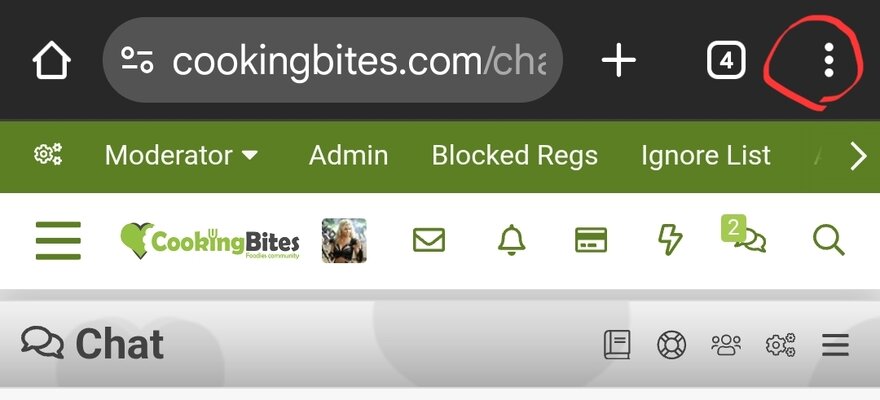
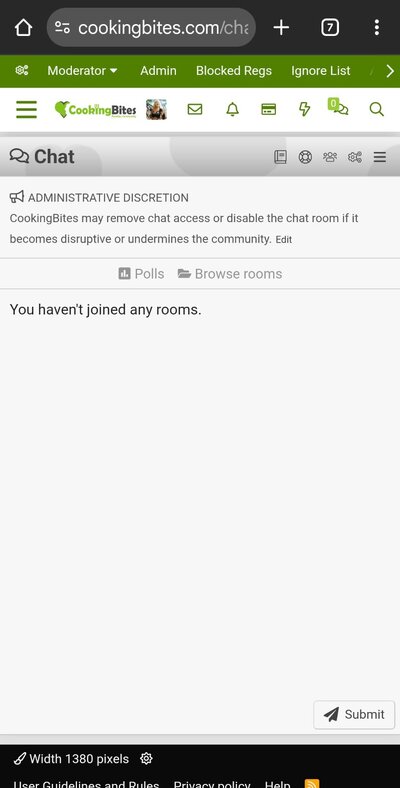
If you see the message "You have not joined any chat rooms", you need to refresh the window.
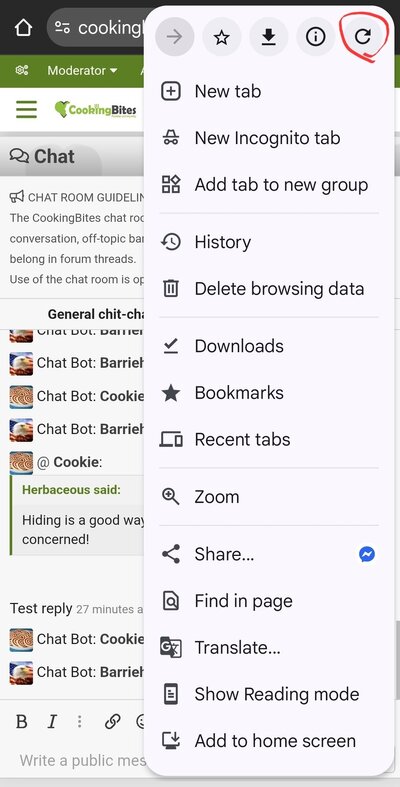
There are several ways to do this, depending on your web browser, but the refresh button is usually found in the top-left corner, next to the web address.
On a Windows device, keyboard F5 or Ctrl+F5 may also work.

If that fails to work, you may need to log off, clear cached data, temporary internet files, cookies and so on, then log back in.
Note that new members can not see the chat. So if you can see the chat button, you should be able to use it.
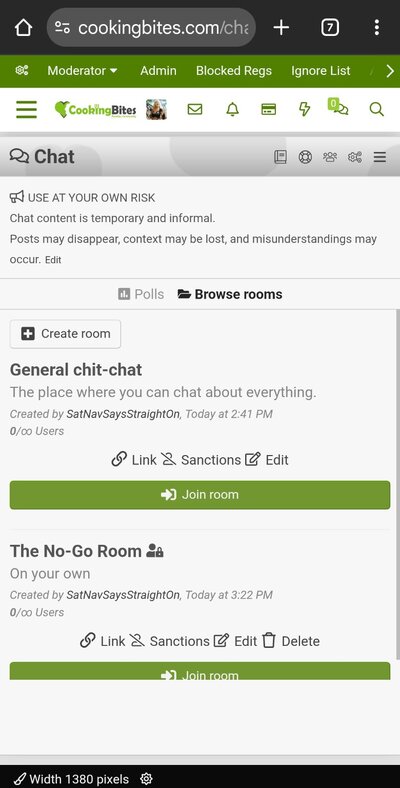
A refresh should get you to this window, where you can click Join room for the top room (only).

I'm considering a password-protected room, depending on how a trial in the first room goes.
Currently, there is no access to the second room.
If you see the message "You have not joined any chat rooms", you need to refresh the window.
There are several ways to do this, depending on your web browser, but the refresh button is usually found in the top-left corner, next to the web address.
On a Windows device, keyboard F5 or Ctrl+F5 may also work.
If that fails to work, you may need to log off, clear cached data, temporary internet files, cookies and so on, then log back in.
Note that new members can not see the chat. So if you can see the chat button, you should be able to use it.
A refresh should get you to this window, where you can click Join room for the top room (only).
I'm considering a password-protected room, depending on how a trial in the first room goes.
Currently, there is no access to the second room.
Last edited: